Cross-Listing Tools That Post to Multiple Marketplaces
Auto-delisting, inventory sync, and AI listings decide which tools save time.
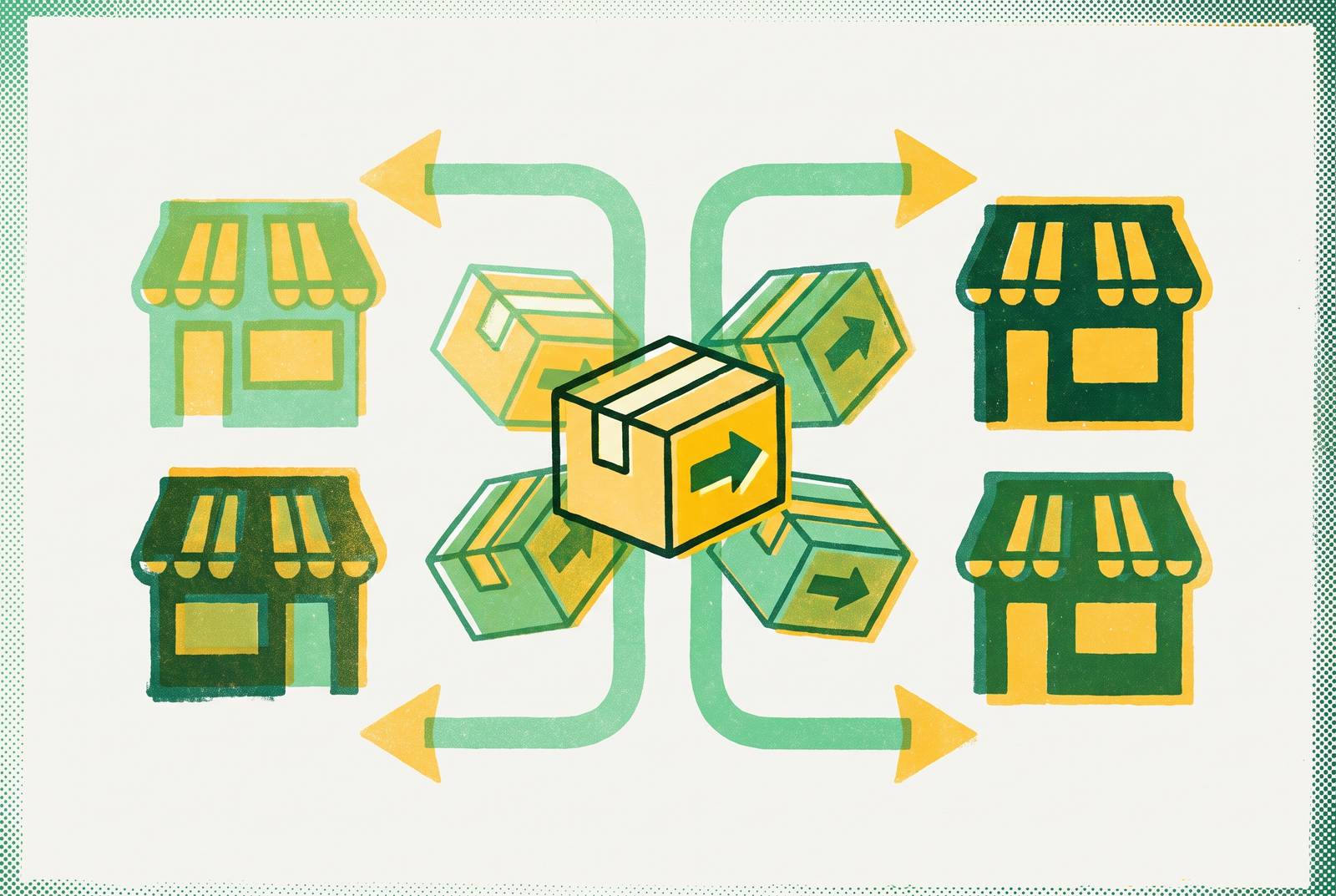
Cross-listing tools exist because posting one item on five marketplaces means doing the same work five times, and almost nobody has the patience for that. The tools that are actually worth using are the ones that solve three specific problems: auto-delisting, inventory sync, and AI-generated listings. If you get those three right, selling your old stuff stops feeling like a second job. Get them wrong, and you've just traded one headache for five smaller ones.
Why posting the same item five times manually is a problem
Picture the blender sitting in your closet. You finally decide to sell it. You take a photo, write a title, type out a description, pick a condition, set a price, fill in the shipping details. That's one marketplace done. Now do it again for the next one. And the next. Same blender, same photo, same facts, but you're retyping all of it from scratch every time because none of these platforms talk to each other.
That's the real cost of selling online: not deciding to sell, but repeating the same data entry over and over. A listing that takes a few focused minutes on one platform turns into a half hour once you multiply it across four or five, and that's before you deal with the small stuff that eats more time than it should, like reformatting a description because Etsy wants tags where eBay wants item specifics, or realizing the category you picked doesn't exist on the second platform.
Most people don't cross-list. They pick one marketplace, usually whichever one they've used before, and stick with it, even if it's not the best fit for what they're selling. That choice has a cost of its own. Sticking to a single platform means a smaller pool of buyers, a slower sale, and full exposure to whatever that platform decides to do with its fees or policies next. Buyers today scroll through a dozen different apps looking for deals. A listing that lives on only one of them is invisible to everyone scrolling through the other eleven.
The friction of retyping the same listing five times is so high that tools built to remove that step have caught on fast. Reclaim: Sell with AI, for instance, skips the retyping entirely: take one photo, and the app turns it into a fully written, priced listing ready to publish to eBay and Facebook Marketplace in one tap. That's the whole per-platform formatting headache, handled before it starts.
What a cross-listing tool does, step by step
A cross-listing tool does one job at its core: take a listing you build once and push it out to several marketplaces at the same time, then keep an eye on what happens to it everywhere it landed.
Here's the basic shape of it. You create the listing once inside the tool, photos, title, description, price, condition, all of it. You pick which marketplaces you want it to go to. You hit publish. From there, the tool reformats everything to match what each marketplace expects. The tool uploads your photos once and distributes them everywhere, and it translates your category, your condition label, and your shipping settings into whatever format each platform happens to use.
Once the listing is live, the tool keeps watching. When the item sells somewhere, the tool is supposed to notice and automatically pull the listing down everywhere else. That removal step is called auto-delisting, and without it "cross-listing saved me time" turns into "cross-listing sold the same couch to two different people.
Past the basics, most paid tools throw in extra features: a central catalog for managing everything you have listed, bulk tools so you can relist, mark sold, or delete a batch of items at once, pricing updates that push to every platform simultaneously, and some kind of dashboard showing which marketplace is actually moving your stuff.
On interface, there are two camps. Standalone apps have you do everything inside their own dashboard, separate from the marketplaces themselves. Browser extensions work differently: they sit inside each marketplace's native listing page and auto-fill the fields for you as you go. Each approach has its own tradeoffs. It comes down to whether you'd rather manage everything in one place or stay inside the marketplaces you already know.
The features that separate tools that save time from tools that create new problems
Almost any cross-listing tool can copy a listing from one platform to another. That part is easy and every tool on the market does it. Whether the tool saves you time or hands you new problems comes down to three things: how well it auto-delists, how reliable its inventory sync is, and whether it can generate listings with AI.
Auto-delisting deserves the most attention here, because it's also the feature most likely to let you down at the worst possible moment. Feedback from sellers across review platforms points to the same complaint repeatedly: the sold-item removal lags just long enough for someone else to buy the item that's already gone. That's a second sale you now have to cancel, a refund you have to process, and a buyer who's annoyed at you for something that was never really your fault.
Inventory sync is the mechanism that produces that problem: when it lags, the window for a double sale opens. A tool with real-time or near-real-time syncing across every connected platform closes that gap fast. A tool that only syncs on a delay, or worse, only updates when you manually hit refresh, leaves a window open where two different buyers can both check out on the same item. The size of that window is the whole risk.
AI listing creation is the third piece, and you should expect it as standard. A tool that can generate a title, a description, and a category match from a single photo or a few words of input cuts the per-listing labor down to almost nothing. Tools that pair that kind of AI generation with real pricing data pulled from actual sold listings genuinely remove repetitive work.
A few smaller features round out the list. Field mapping matters because every marketplace organizes listings differently: eBay wants item specifics, Poshmark wants brand and size fields, Etsy wants tags. A tool that maps these poorly leaves you with incomplete listings you have to go fix by hand, which defeats the entire purpose of using the tool. Marketplace coverage is worth a quick check too, since support for platforms like Vinted, Grailed, or Canadian marketplaces varies a lot between tools. And bulk actions, the ability to update, relist, or delist a batch of items at once, start to matter once your inventory grows past a handful of items. Without them, you hit a volume ceiling fast. On pricing, most tools charge based on how many listings or cross-posts you make each month, so it pays to estimate your actual volume before picking a plan. If you're actually using the thing, per-listing pricing can climb faster than a flat monthly fee.
The tools available today
No cross-listing tool fits every seller, and the real differences between them come down to scope, how many marketplaces they cover, and how much of the listing work they take off your plate versus how much they still expect you to do.
Voolist leans toward simplicity. Bulk cross-listing with a learning curve that's described as easy to pick up, plus basic analytics built in. It suits sellers who'd rather get started quickly than dig into deep automation settings.
SellerAider, through its Crosslister Standard plan, covers more than 15 marketplaces and includes bulk delete, relist, and mark-sold tools, AI listing generation, inventory management, and a mobile app. It's a solid fit if you want wide marketplace reach without paying a premium monthly price.
ResellKit gives you 50 free listings every month, with pay-as-you-go credits available past that. That makes it a reasonable testing ground for occasional sellers who want to try cross-listing without committing to a subscription before they know if they'll stick with it.
Reclaim: Sell with AI takes a different starting point. Instead of building a listing field by field, you snap one photo, and the app identifies the item, pulls the brand, model, and condition, writes the full listing, and prices it using real-time eBay sold data. From there, it publishes to both eBay and Facebook Marketplace in one tap. Shipping stays with the marketplace itself, so the money stays in the seller's hands throughout. No resale experience needed. It's built for people decluttering a closet or a garage who want to go from photo to live listing without touching a single form, with more marketplaces planned down the line.
How inventory sync and auto-delisting work in practice
The nightmare scenario in cross-listing is simple: an item sells on one platform, but the listing stays live everywhere else, and a second buyer pays for something that no longer exists. Understanding why that happens is more useful than just trusting a feature list that says "auto-delist included."
Behind the scenes, the tool needs to receive a signal from the platform where the sale happened, confirm that it's an actual completed sale and not just a pending offer, and then send removal requests to every other platform carrying that listing. All of that has to happen before another buyer gets the chance to click "buy."
Every marketplace handles this signal differently, on its own timeline, through its own system. Tools that check for sales periodically, instead of getting notified the instant a sale happens, leave a gap where a second sale can slip through. A missed delist means a canceled transaction, and depending on the platform, it can also hurt seller performance metrics or trigger a bad review landing at the worst possible time. Sellers running more listings at once run into this more, simply because more live listings means more chances for a timing gap to matter.
So don't just ask a tool whether it auto-delists. Nearly every tool claims that. Ask how fast it delists, since what happens when its connection to a marketplace drops reveals a lot. How a company's support team handles a marketplace's API changes says a lot about whether that tool holds up under real use. For casual sellers moving one or two items a month, this risk is smaller, but it hasn't disappeared. A tool that needs you to manually mark something "sold" before it removes the listing elsewhere isn't really automated. Treat it accordingly.
Pricing the item correctly once it's listed everywhere
Cross-listing puts your item in front of more eyeballs, but a bad price kills the sale on every single platform at once. The most common mistake sellers make is pricing based on what other people are asking for the same item.
Those are two very different numbers. An asking price just tells you someone hopes to get that amount. It says nothing about whether anyone actually will. A completed sale price reflects real buyer behavior, so sold comps matter more than listing prices ever will.
Finding that number is straightforward. Search the item on eBay, filter the results down to sold or completed listings, and look at the last several sale prices. Outliers on both ends don't count; the right price comes from the middle of that cluster. Reclaim: Sell with AI automates that exact process, pulling real-time eBay sold data and suggesting a price calibrated to sell fast, maximize what you get, or land somewhere in between, putting the same instinct a seasoned reseller has built over years into the hands of someone selling their first item from a single photo.
Condition changes where in that range you land. Something like-new with the original box and packaging belongs near the top of the sold range. Visible wear or missing parts pulls it toward the bottom. A mismatch between the stated condition and the real condition of the item is one of the most common reasons a fairly priced listing just sits there.
On Facebook Marketplace, where "Make an offer" is standard buyer behavior, pricing modestly above your real minimum gives room to negotiate without dropping below the number you actually need. And fees change the math across platforms: a price that works fine on Facebook Marketplace, where local pickup carries zero fees, might not net the same return on Poshmark, where the fee takes a real bite out of the sale. If you're cross-listing to both, set platform-specific prices in your tool, or anchor to whichever platform charges the highest fee and take the better margin everywhere else.
Matching item categories to the right marketplaces before cross-listing
Electronics and collectibles do best on eBay. The depth of sold-comp data and the size of the buyer pool make it the strongest option for gaming hardware, trading cards, and niche collectibles, categories where condition and model differences swing the price significantly, so pricing off real transaction data matters even more than usual.
Furniture, appliances, and anything bulky belong on Facebook Marketplace. Zero fees for local pickup wipe out both the shipping cost and the marketplace cut entirely, which makes it the obvious call for exercise equipment, large kitchen appliances, and furniture, anything that would be expensive to box up and ship.
Some categories hold or beat retail value and sell reliably no matter which platform they end up on: retro gaming consoles and games, premium kitchen appliances like KitchenAid, Vitamix, and Cuisinart, vintage or branded outerwear, LEGO sets, trading cards, and vintage kitchenware. Cross-listing one of these items to the right two or three platforms will do more for the final sale price than listing it everywhere at once ever could.